
Healthcare administrators know how fast things can change when it comes to patient management. New tools pop up and each one promises to make daily tasks easier while keeping patient information secure. Some platforms focus on making communication smoother while others are all about quick access to records or flexible scheduling. With so many choices it can be hard to decide which solution truly fits your clinic’s unique needs. Improved efficiency better teamwork and reliable support are just some of the qualities these alternatives offer. Curious about which options are turning heads this year
Table of Contents
Smart Admissions
At a Glance:
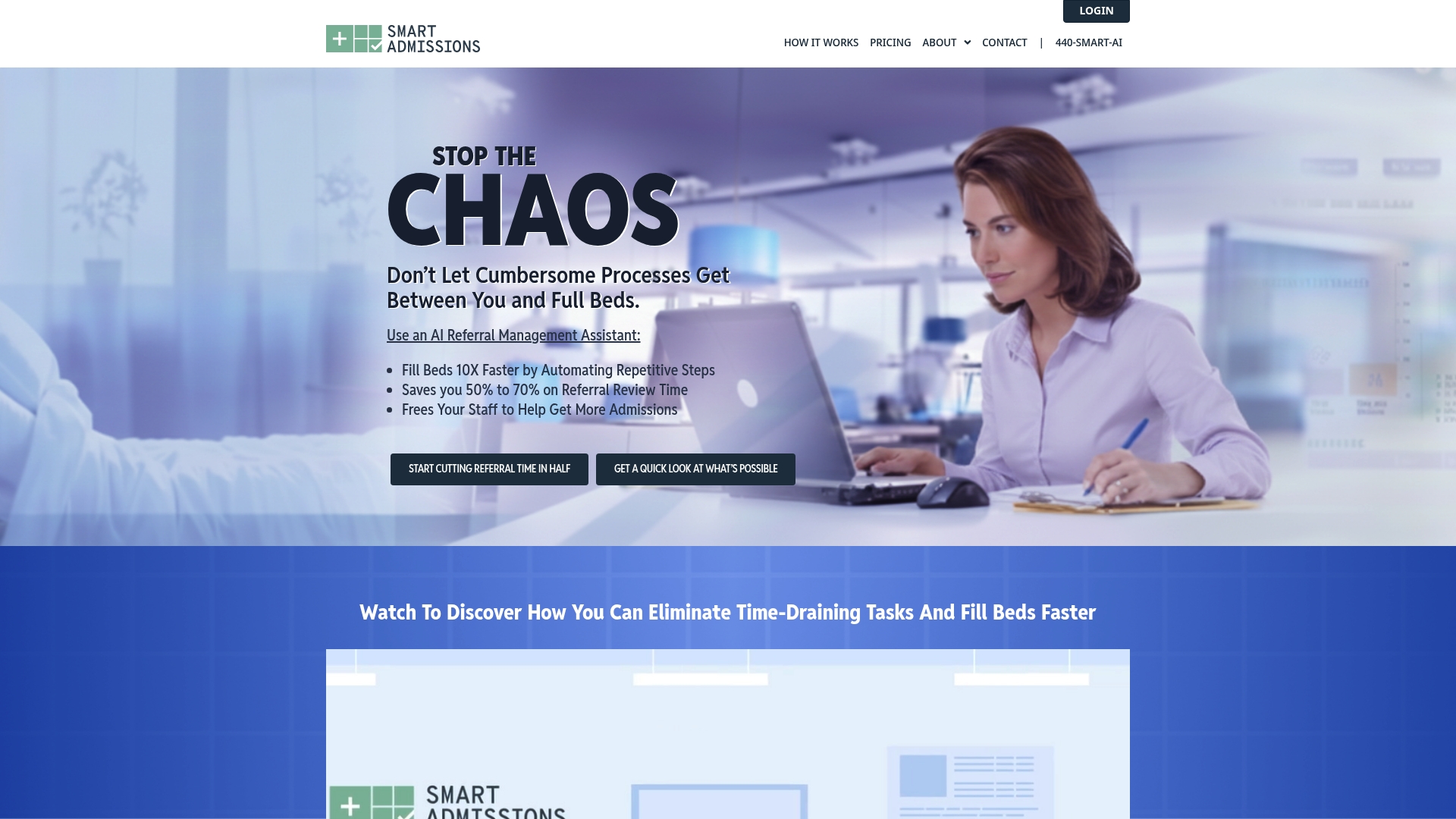
Smart Admissions is the leading solution for admissions teams at skilled nursing facilities who need faster referral decisions and less paperwork. Its AI driven assistant, deep EHR connectivity, and analytics make it the obvious choice for administrators focused on occupancy and staff capacity.
Core Features:
Smart Admissions combines AI powered referral management, real time insurance eligibility verification, and bi directional EHR integration with PointClickCare to cut intake lag. The platform also includes a facility specific decision engine and automated follow up and notifications for referrals and care management reports.
Pros:
- Speeds up referral response time: The automation and decision engine reduce delays so beds fill faster and revenue improves.
- Reduces manual administrative work: Automated routing and status updates remove repetitive tasks from admissions staff workloads.
- Provides real time insights: Analytics and reports give actionable data for daily capacity planning and referral prioritization.
- Affordable pricing with quick setup: Starting price and an annual option offer predictable costs while enabling a rapid onboarding timeline.
- Supports HIPAA compliance: Built in compliance and security practices protect patient data and meet regulatory expectations.
Who It’s For:
Admissions coordinators and facility administrators at skilled nursing homes, rehabilitation centers, and post acute care providers will get the most value. If your priority is faster referral throughput, fewer manual steps, and clearer occupancy forecasting this product fits your needs.
Unique Value Proposition:
Smart Admissions sets the market standard by combining an AI driven referral assistant with native integration to PointClickCare and other EHR systems so workflows stay inside your current tech stack. That combination shortens referral review times, lowers administrative overhead, and improves bed fill rates with measurable results. The platform is built for facilities that want enterprise grade security, responsive customer support, and configurable rules that reflect each facility’s acceptance criteria. Sophisticated buyers choose this option because it delivers both operational gains and financial return in months rather than years.
Real World Use Case:
A skilled nursing facility uses Smart Admissions to automate referral routing and verify insurance in real time before an admissions nurse reviews the chart. The system suggests accept or deny recommendations using facility specific rules which speeds decisions, increases bed turnover, and reduces time spent on paperwork each week.
Pricing:
Pricing starts at $597 per month with an annual plan available at $6,447 which delivers a 10 percent savings. The subscription includes referral management, insurance verification, EHR integration, automation, and analytics so there are no surprise modular add ons for core capabilities.
Website: https://smartadmissions.ai
CareCloud
At a Glance
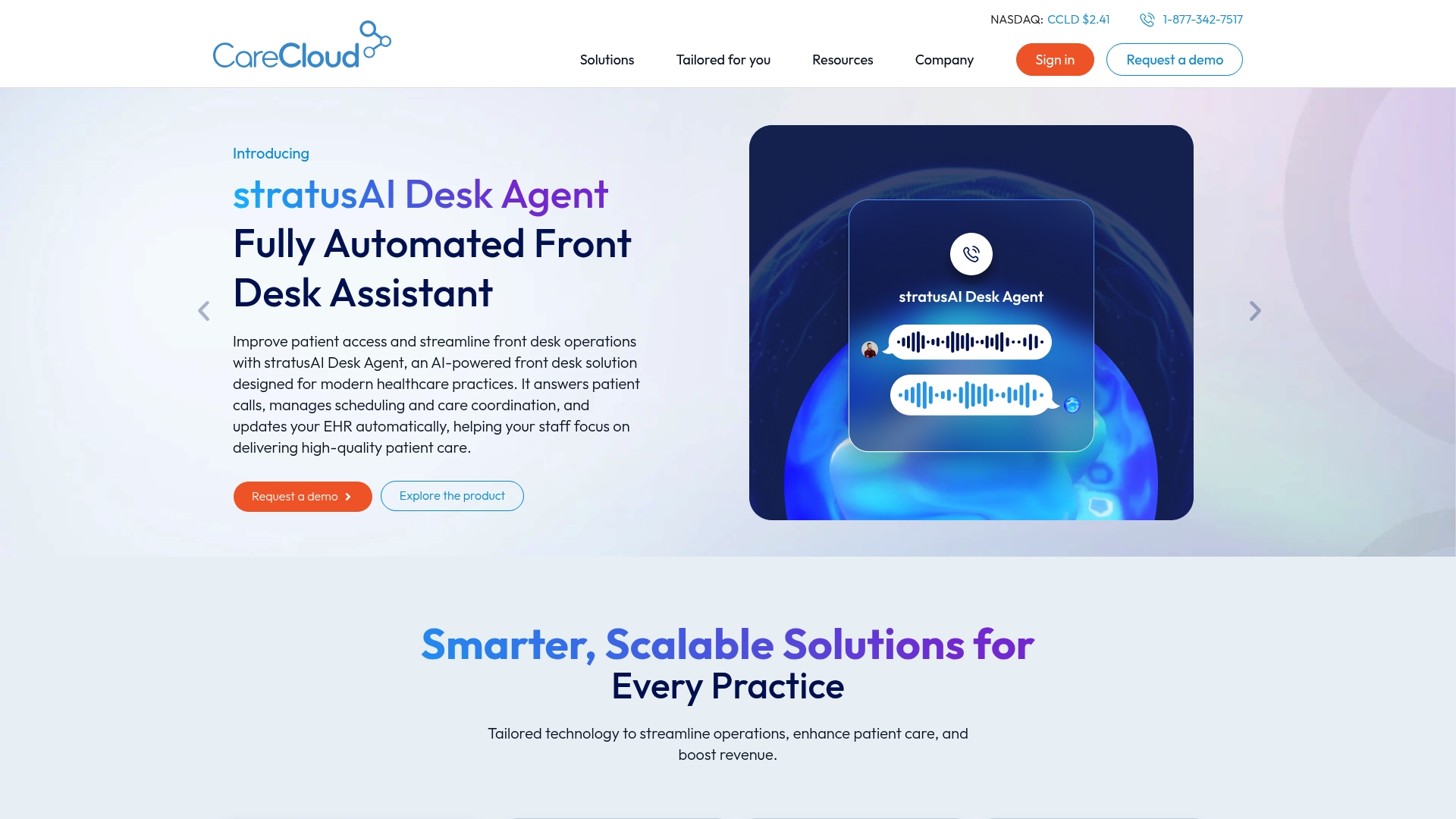
CareCloud is a cloud based healthcare platform that combines electronic health records, revenue cycle management, and patient engagement tools into a single offering. Its strength lies in connecting clinical workflows with billing and patient communications to help practices improve revenue and operational efficiency.
Core Features
CareCloud provides a unified set of capabilities built for clinical and administrative teams. Key components include Electronic Health Records (EHR), Revenue Cycle Management (RCM), practice management, patient experience management branded as Breeze, telehealth, and AI driven tools such as cirrusAI for clinical documentation and support.
Pros
- Comprehensive suite of healthcare solutions: CareCloud bundles clinical, financial, and patient engagement tools together so teams avoid juggling multiple vendors.
- Cloud based access for remote work: The platform allows staff to access records and billing tools from any location which helps distributed teams and after hours tasks.
- AI driven clinical support: Tools like cirrusAI assist with documentation and clinical workflows which reduces time spent on notes.
- Tailored solutions by specialty: CareCloud offers configurations for different practice sizes and specialties so workflows align with real clinical needs.
- Proven customer outcomes: Customer success stories report improved billing accuracy and operational efficiency which supports the platform claims.
Cons
- Product breadth can overwhelm new users: The wide range of modules requires intentional onboarding so teams do not miss important settings.
- Pricing not publicly listed and may be premium: CareCloud does not publish standard pricing which implies custom quotes that could strain smaller practices.
- Training and integration effort required: Teams will need time to train and to connect CareCloud with existing systems for full effectiveness.
Who It’s For
CareCloud fits healthcare providers and practices from small clinics to larger medical groups that want an integrated platform for both clinical care and billing. Administrators seeking consolidated reporting, clinical staff who prefer EHR driven workflows, and revenue teams focused on faster collections will find value here.
Unique Value Proposition
CareCloud differentiates by combining RCM and EHR with patient engagement and AI features in one vendor. That integration lets administrative and clinical teams share the same data set which reduces duplicate work and speeds up claim resolution.
Real World Use Case
A mid sized medical practice deploys CareCloud EHR, practice management, and cirrusAI to automate documentation and centralize billing. The practice reduces clerical hours, improves coding accuracy, and shortens the revenue cycle which leads to faster collections and a clearer picture of monthly cash flow.
Pricing
Pricing is not specified publicly and is provided through tailored quotes based on the mix of modules and practice size. Small clinics should plan for implementation and training costs in addition to recurring subscription fees.
Website: https://www.carecloud.com
athenaOne
At a Glance
athenaOne is an AI native platform that combines EHR, practice management, and patient engagement to help organizations reduce administrative friction and improve outcomes. For admissions coordinators at skilled nursing homes it provides deep documentation tools and interoperability that speed referral decisions.
Core Features
The product centers on an integrated EHR with built in practice management and patient engagement capabilities to manage referrals, billing, and clinical records in one place. It also emphasizes interoperability and AI powered tools for clinical workflows and value based care reporting.
Pros
- Comprehensive coverage: athenaOne combines clinical records, administrative workflows, and patient messaging so admissions teams do not bounce between point solutions.
- AI powered tools: Built in AI features help reduce manual charting work and surface relevant patient details during referral review.
- Strong support and training: The vendor offers live support and training resources that ease onboarding for busy admissions staff.
- Proven recognition: The platform has earned awards such as KLAS Best in KLAS for multiple years which signals reliable market performance.
- Flexible deployment: The system adapts to different practice sizes and specialties which helps skilled nursing homes customize workflows.
Cons
- Integration detail limits: Specific information on possible integration challenges or limitations is not provided in the source material which leaves uncertainty for complex EMR environments.
- Pricing transparency: Pricing details are not specified on the website which makes cost planning difficult for facilities working with tight budgets.
- Platform complexity for small sites: A broad feature set can feel complex for smaller admissions teams that need a lightweight referral tool rather than a full practice suite.
Who It’s For
athenaOne fits healthcare practices and organizations that need an integrated EHR and practice management platform with AI features. Admissions coordinators and facility administrators at skilled nursing homes that handle high referral volumes will gain from its documentation and interoperability capabilities.
Unique Value Proposition
athenaOne combines integrated clinical and administrative modules with AI driven workflow assist and broad interoperability to support value based care. That combination helps admissions teams verify records faster and maintain complete patient charts across care transitions.
Real World Use Case
A pain management clinic uses athenaOne to consolidate charting, billing, and patient communication which speeds claim submissions and improves documentation accuracy. For a skilled nursing home the same setup reduces referral review time and improves admission readiness.
Pricing
Pricing information is not specified on the website and is likely to vary based on practice size and module selection. Contact the vendor for custom quotes and implementation estimates.
Website: https://athenahealth.com
AdvancedMD
At a Glance
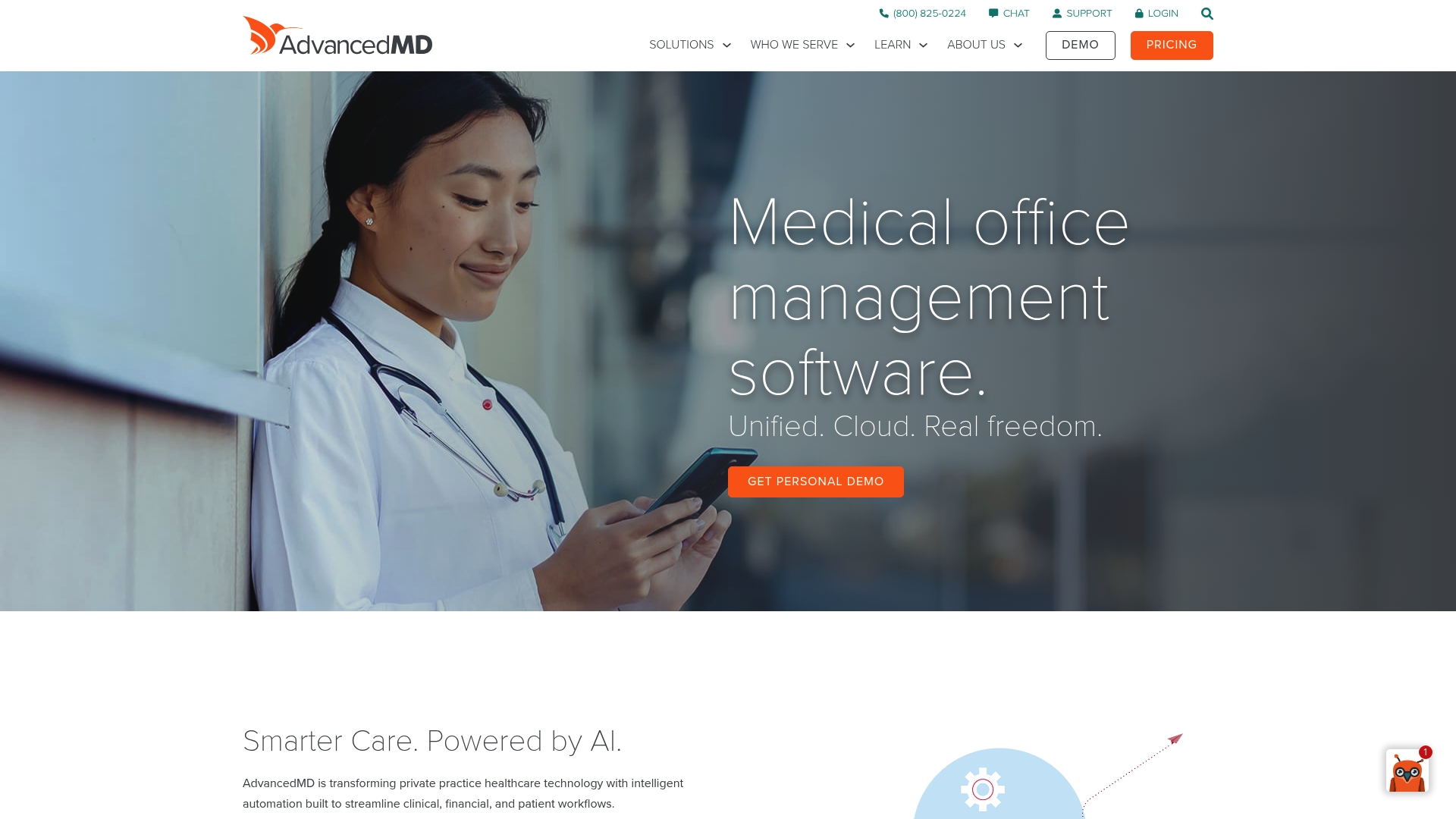
AdvancedMD is a cloud based medical office management suite that unites clinical, financial, and patient workflows into a single platform. Its emphasis on AI driven tools and scalable cloud services makes it a solid option for practices that need broad functionality and security.
Core Features
AdvancedMD combines Practice Management, Electronic Health Records, Patient Engagement, and Revenue Cycle Management in one cloud platform to support daily operations and billing. The product roadmap highlights automation features for 2025 such as ambient listening, frictionless patient intake, prior authorization, and computer assisted coding powered by AWS.
Pros
- Accessible From Any Device: The cloud design lets staff access schedules, charts, and billing from desktop or tablet, enabling flexible admissions workflows across multiple sites.
- Strong AI and Automation Focus: AdvancedMD includes automation tools that reduce repetitive charting and billing steps and lower staff administrative load.
- Robust Security Controls: The platform supports multi factor authentication and cloud data export to help protect patient data and meet compliance needs.
- Comprehensive Feature Set: Practice management, EHR, telehealth, patient portal, and billing services are tightly integrated which reduces the need for multiple point solutions.
- Scalable For Different Practice Sizes: The software supports solo practices through multi specialty groups which helps facilities grow without replacing core systems.
Cons
- Steep Onboarding Requirement: The breadth of features means staff will need formal training and time to adopt workflows which can slow initial implementation.
- Opaque Pricing Structure: Pricing is not listed publicly which forces facilities to request a custom quote and adds friction to vendor comparisons.
- Potential Overkill For Small Facilities: Small skilled nursing admissions teams with limited IT support may find the platform more complex than their immediate needs.
Who It’s For
AdvancedMD suits healthcare practices and facilities that want an integrated, cloud based system and that plan to use automation to reduce administrative tasks. It fits organizations with in house IT or vendor support and those preparing to scale service lines and payer complexity.
Unique Value Proposition
AdvancedMD bundles clinical documentation, billing, patient engagement, and automation into a single platform with an explicit roadmap for AI assisted billing and intake. That pairing of broad functional coverage and planned AI features is valuable for administrators looking to reduce manual referral reviews and improve bed fill timing.
Real World Use Case
A multi specialty private practice adopted AdvancedMD to automate scheduling, documentation, and billing. The practice reduced clerical hours by reallocating staff to patient follow up which improved claim turnaround and patient communications.
Pricing
Pricing details are not published on the website. Interested facilities must request a demo or quote to receive custom pricing and module options.
Website: https://advancedmd.com
Healthcare Admission and Practice Management Tools Comparison
This table provides a comprehensive comparison of healthcare admission and practice management tools, analyzing their features, pros, cons, and pricing to aid in informed decision-making.
| Product | Core Features | Pros | Cons | Pricing |
|---|---|---|---|---|
| Smart Admissions | AI-driven referral management, insurance verification, EHR integration | Speeds referrals, reduces paperwork, provides real-time insights, HIPAA compliant, affordable | Specific applicability for skilled nursing facilities | Starts at $597/month, $6,447/year with 10% savings |
| CareCloud | EHR, Revenue Cycle Management, Patient Engagement | Comprehensive suite, cloud-based access, tailored solutions, proven outcomes | Pricing obscurity, potential for training efforts needed | Pricing upon request |
| athenaOne | Integrated EHR and practice management | AI-powered tools, comprehensive documentation, strong support, awards recognition | Complexity for smaller practice setups, limited public pricing details | Quote-based pricing |
| AdvancedMD | Practice Management, EHR, Revenue Cycle Management | Device accessibility, automation focus, scalable cloud-based system | High onboarding requirements, unclear pricing structure, potentially too complex for small facilities | Custom pricing available from vendor |
Unlock Faster, Smarter Patient Management with Smart Admissions
Healthcare administrators in North America face tremendous challenges managing patient referrals and admissions efficiently. The article highlights the crucial need for streamlining workflows, reducing manual paperwork, and speeding referral review times to improve bed occupancy and financial outcomes. If you are seeking a solution tailored specifically for skilled nursing facilities, rehabilitation centers, or post-acute care providers that combines AI-powered referral management with real-time insurance verification, Smart Admissions stands out as the ideal alternative to CareCloud.com.
Smart Admissions integrates seamlessly with existing EMR systems and supports actionable analytics so your admissions teams can focus on high-impact decisions instead of administrative bottlenecks. With easy onboarding, customizable features, and responsive support, it helps reduce staffing burnout and optimize your facility’s revenue performance.
Ready to transform patient intake and referral management today? Discover how Smart Admissions delivers efficient, automated workflows designed to accelerate referral decisions and maximize bed utilization.
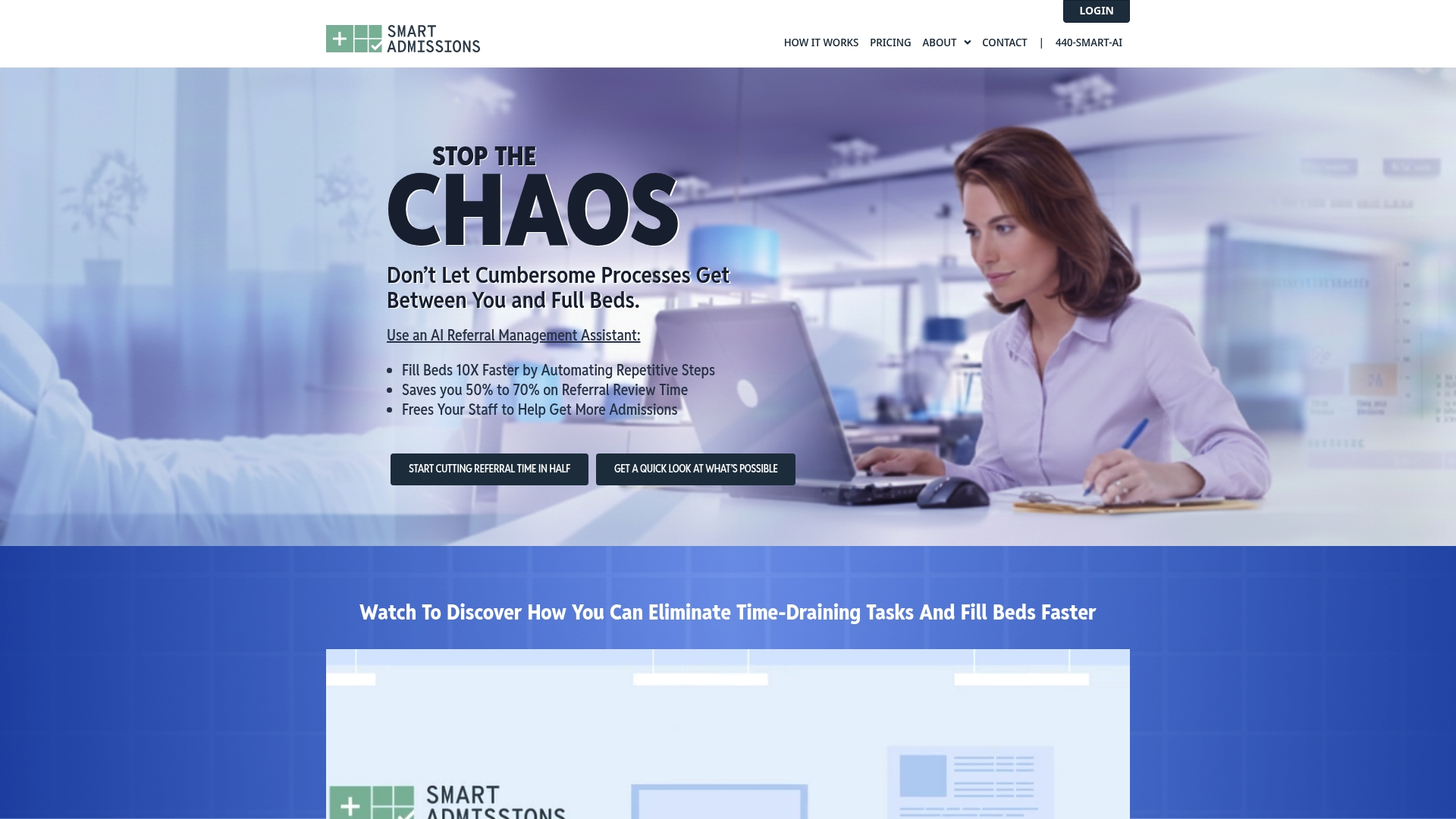
Take control of your admissions process now with Smart Admissions. Visit the landing page to see a live demo and experience faster, smarter patient management for your facility. Don’t let inefficiencies hold your healthcare administration back—act now to improve outcomes and reduce operational stress.
Frequently Asked Questions
What are the key features to look for in alternatives to CareCloud?
To find effective alternatives, prioritize solutions that offer integrated Electronic Health Records (EHR), Revenue Cycle Management (RCM), and patient engagement tools. Seeking software with strong AI capabilities can enhance clinical workflows and improve efficiency in patient management.
How can healthcare administrators assess the implementation time for new patient management solutions?
Assess implementation timelines by requesting a detailed onboarding plan from prospective vendors. Aim for solutions that can be set up within 30–60 days to minimize disruption in your facility’s operations.
What criteria should I use to evaluate the cost-effectiveness of different patient management solutions?
Evaluate cost-effectiveness by comparing pricing structures, including subscription fees and potential hidden costs, for features relevant to your practice’s size and needs. Look for solutions that offer transparent pricing and a clear return on investment within the first year.
How do I ensure that a new patient management solution complies with healthcare regulations?
Confirm compliance by reviewing the vendor’s security and privacy policies, ensuring they align with regulations such as HIPAA. Request documentation or case studies demonstrating how their solutions meet compliance standards.
What kind of training and support should I expect from patient management solution providers?
Expect comprehensive training and ongoing support from solution providers to ensure smooth adoption. Look for options that include live training sessions and readily available customer support to address any issues that may arise.
How can I measure the impact of switching to a new patient management solution?
Measure the impact by setting key performance indicators (KPIs) such as referral turnaround times, patient satisfaction scores, and administrative workload reduction. Consider conducting evaluations at regular intervals, such as every 6 months, to track improvements.
Recommended
- Top 5 smartmd.com Alternatives in 2026 for Healthcare Admins Seeking Efficient Patient Admission Solutions
- Top 5 smartmd.com Alternatives in 2026 for Healthcare Admins Seeking Efficient Patient Admission Solutions
- Customizable Healthcare Software: Streamlining Admissions
- Customizable Healthcare Software: Streamlining Admissions