
Duplicate referrals detection starts with one rule: before anyone scores or answers a referral, confirm whether you already have it. A duplicate is the same patient, the same condition and the same source, with nothing clinically new. Your team should link it to the original, not review it a second time. The steps below show how to do that across portals, fax and email without merging two different patients or burying a real clinical update.
TL;DR
- A true duplicate has no new or updated clinical information, the same condition and the same referral source. Anything with new clinical facts is a new decision, not a duplicate.
- Duplicates multiply when hospitals send one discharge to many post-acute providers and through several channels at once.
- Match on stable identifiers first. Use name and date of birth as support, never as proof.
- Never delete a duplicate. Link it to the original, record who decided, and keep both documents.
- Track false positives, false negatives and the duplicate creation rate so you know the process works.
Table of Contents
- What counts as a duplicate referral
- Why duplicate referrals pile up
- Seven steps for duplicate referrals detection
- Which details help when information is incomplete
- Handling confirmed duplicates and keeping an audit trail
- Measuring whether your process works
- Our perspective on duplicate referrals
- Put one view of every referral in front of your team
- FAQ
- Sources
What counts as a duplicate referral
Define the term before you build a process around it. Ireland’s national outpatient waiting list protocol gives a clear, usable definition: a duplicate referral contains no new or updated clinical information, is for the same condition and comes from the same source. The protocol is Irish and written for outpatient waiting lists, but the logic carries over to a skilled nursing admissions desk.
The same document separates a duplicate from a second referral. A second referral carries updated clinical information and a different referral date. The prescribed handling is to find the original, attach the new item, and send both for re-triage, with the new clinical information flagged.
For your facility, that gives three buckets:
- True duplicate: the same packet resent, or the same patient submitted again with no clinical change.
- Clinical update: the same patient with new therapy notes, a changed diagnosis, a new payer or a revised discharge date. Treat it as a live decision.
- Different patient: similar names or birth dates, but a different person. Keep the records separate.
The second and third buckets are where careless cleanup does damage. A rule that closes anything that looks familiar will eventually close a referral your team needed to see.
Why duplicate referrals pile up
Duplicates are rarely your team’s mistake. They come from how referrals are sent.
An HHS Office of Inspector General advisory opinion records that many hospitals refer to post-acute providers on a first-come, first-served basis, so the first provider to respond typically gets the patient. That pressure pushes hospital case managers to send a discharge to several facilities at once and to resend when they hear nothing back.
Then the channels multiply the problem:
- A case manager submits through a hospital portal, then faxes the same packet because the portal confirmation was unclear.
- A physician’s office emails a face sheet after the portal referral is already in your queue.
- A resend arrives with a missing attachment fixed, which looks identical to the first one at a glance.
- Two staff members open the same email and each start a review.
That last case is an internal duplicate, and it is the cheapest to fix. If your team works from a shared inbox, a clear email assignment workflow with one named owner per message stops two people from answering the same request. It will not catch a fax and a portal copy of the same packet, which is why you also need the matching steps below.
The cost is real even when each duplicate takes a few minutes. Each one takes review time, delays the response a hospital is waiting on, and can inflate referral volume numbers that leadership uses to judge sources. For a view of how review time adds up, see our guide on how to reduce referral review time.
Seven steps for duplicate referrals detection
Use this sequence for every incoming referral, whatever channel it arrives through.
1. Log every referral in one queue
You cannot detect a duplicate across a portal, a fax and an email if each lives in a different place. Start by bringing all three channels into one intake list with a received time, a source and a patient name. This is the foundation of referral management, and detection depends on it.
2. Search before you review
The first action on a new item is a search, not a clinical read. Los Angeles County’s admission workflow guide tells staff to check whether the patient’s name, Social Security number or index number matches an existing episode. If the search returns several rows, staff must look through them to confirm the person is not already in the system, perhaps under a slightly different spelling.
3. Match on identifiers, then on demographics
Trusted identifiers come first: hospital MRN, referral or account number, and the system that assigned it. Medplum’s referral documentation advises matching against trusted identifiers with their assigning namespaces and routing items to a defined review when identifiers are missing or conflict. Similar names and birth dates can support a match but do not settle identity.
4. Separate “same request” from “same person”
These are two questions. The same documentation explains that a conditional create can stop one external referral number from producing two records, but it cannot decide whether two similar demographic records are the same person. Resolve identity first. Then use the stable referral number to make intake repeatable.
5. Compare the clinical content
Once you believe it is the same patient, open both documents side by side. Ask whether anything changed: diagnosis, therapy needs, medications, payer, equipment, discharge date. If yes, it is a clinical update and goes back for a fresh decision. If no, it is a true duplicate.
6. Link, do not delete
Attach the duplicate to the original and record the reason. Ontario Health’s referral help center describes the pattern well: staff open a potential match, compare documents side by side, decide whether it is a true duplicate, and if so reject the newer one while keeping the already-processed referral. The recorded reason says the system flagged it and staff confirmed it.
7. Tell the hospital once
If the duplicate came from a case manager waiting for an answer, make sure the response on the original reaches them. A resend is often a sign they have not heard back. A quick reply on the original referral usually stops further resends. Speed on the first response is the best prevention, and our article on ways to reduce referral times covers how to get there.
Which details help when information is incomplete
Referral packets are often missing a Social Security number, carry a nickname, or have a transposed birth date. Build a match order your staff can follow.
| Match level | Fields | How to use it |
|---|---|---|
| Strongest | Hospital MRN, referral or account number | Treat as a likely match, then confirm the clinical content |
| Strong | Full name, date of birth, sex | Medplum’s matching guidance starts with an exact match on these plus email or phone |
| Supporting | Phone, address, referring physician, referring unit | Use to break ties, not to decide alone |
| Weak | Name only, or similar name and date of birth | Send to human review |
Data quality is the reason matching fails. An AHIMA journal article lists non-standardized data, missing or inaccurate data, old data, aliases and data entry errors among the causes of duplicate records. It also cites a 2012 CHIME survey in which patient-mismatch error rates averaged eight percent and ranged up to 20 percent. Those figures describe hospital record systems, not SNF referral queues, but they show why name and birth date alone are a weak basis for a decision.
Two practical habits help:
- Standardize how staff enter names, dates and phone numbers, so the same patient is not typed three ways.
- Record the source and channel on every referral, so you can see when the same hospital routinely sends the same packet twice.
Handling confirmed duplicates and keeping an audit trail
A confirmed duplicate is not trash. It is evidence of what the hospital sent and when.
A UK practice-systems guide on duplicate referral records advises that when two submissions are the same request, enough history must be kept to explain what happened and where each original can be found. It also advises checking what happens to any tasks already assigned before the duplicate was noticed. In your facility, that means a nurse liaison or clinical reviewer may already have started on the second copy.
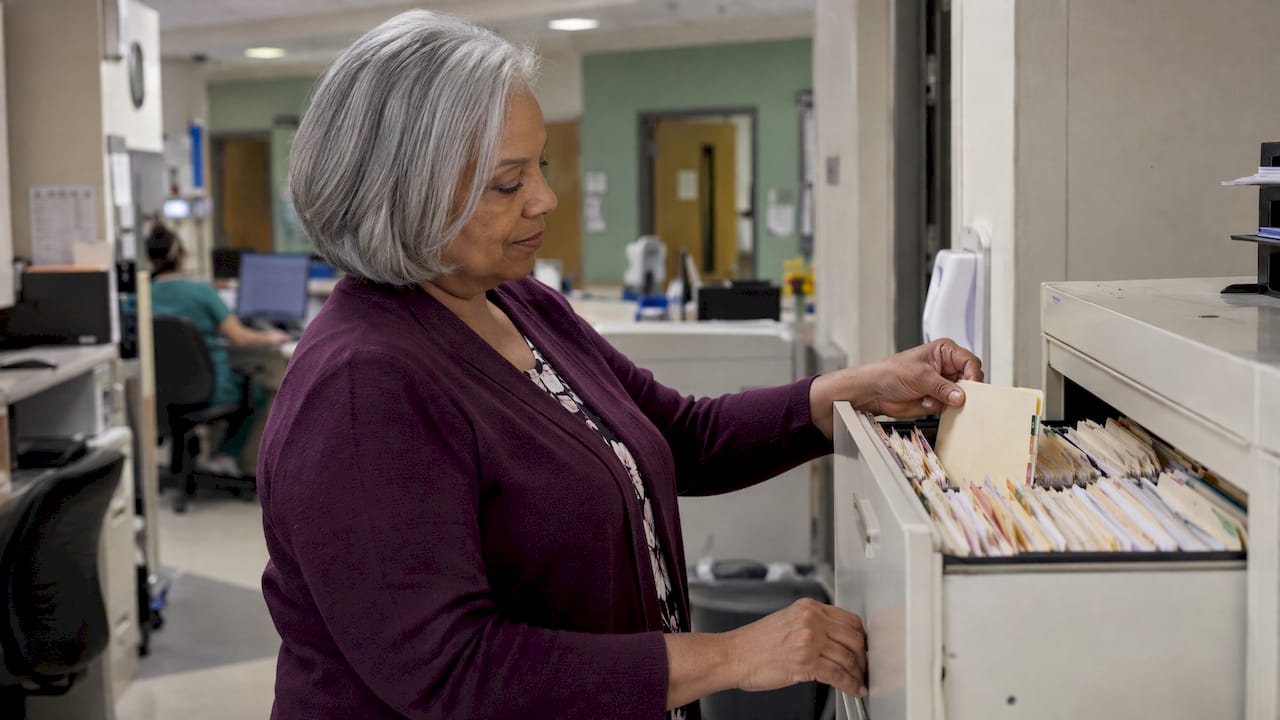
The same source offers a caution worth posting at the admissions desk. A duplicate warning should not push staff to clear the queue quickly. Instead, agree in advance who is allowed to make the decision. It names three cases that are easy to confuse: the same referral resent with a missing attachment, two separate requests from one person, and different people with similar names.
If your records live in an EHR, a wrongly created second patient record has downstream cost. The Los Angeles County guide notes that creating a new record for an existing patient can have implications for billing, and that duplicates must be reported so records can be merged. Catching the duplicate at the referral stage, before an admission record is created, avoids that cleanup.
A short handling checklist:
- Keep the original referral as the working record.
- Attach the duplicate and note the date, channel and reviewer.
- Document why it was judged a duplicate, not a clinical update.
- Confirm that no task, call or clinical review is still open on the copy.
- Limit who can close or merge, and log every action. A HIPAA compliance IT action plan is a useful frame for setting access controls and monitoring on systems that hold referral data.
Measuring whether your process works
Detection that nobody measures drifts. Two failures matter, and they pull in opposite directions.
The Office of the National Coordinator’s Tech Lab defines the False Positive Match Rate as false-positive matched pairs divided by total matches. A high rate can mean your matching thresholds are too permissive. The same page defines a Duplicate Creation Rate, newly created duplicates relative to the opportunities to create them, and a False Negative Rate, the pairs that should have matched but did not. ONC notes the false negative figure usually understates what is really sitting in the database.
Apply these to a referral desk:
- False positives: referrals closed as duplicates that turned out to be new patients or clinical updates. Review a sample each month.
- False negatives: duplicates your team reviewed twice. Ask staff to tag them when they notice.
- Duplicate share of volume: duplicates divided by total referrals, by source and by channel.
- Response time on originals: if duplicates fall as response time improves, your resend problem is shrinking.
AHIMA’s 2020 patient identification survey found that 22 percent of respondents reported a duplicate error rate of 1 percent or less in their EHR, while 29 percent did not know their rate. The same paper recommends benchmarking the duplicate rate quarterly and setting stretch goals. That is a sensible cadence for an admissions team too. Pair it with the acceptance and denial data discussed in why measure referral acceptance versus denial, so duplicates do not distort your numbers.
Our perspective on duplicate referrals
Duplicates are a symptom of fragmentation. When referrals reach you through a portal, a fax line and a shared inbox, every copy looks like new work, and the person who reads it first has to reconstruct what the others already saw.
We built Smart Admissions around a different starting point: read every referral, whatever channel it comes through, and evaluate it against your facility’s own clinical capabilities, staffing, payer mix, PDPM reimbursement and bed availability. Each referral is summarized and scored, so your team works from one consistent view of a patient instead of several partial ones.
We designed it to cut manual review time, because every minute spent re-reading a packet you have already seen is a minute not spent on the hospital relationship that sends you the next one. Our team has run admissions, MDS and reimbursement, and we know that a defensible yes or no depends on trusting the record in front of you.
Our advice: write down your duplicate definition, name who may decide, and make sure that every referral lands in one place before you score it. The tools matter less than that discipline, but the right tool makes the discipline easy to keep.
Harry
Put one view of every referral in front of your team
If your admissions desk handles referrals from several hospitals and channels, Smart Admissions reads each one, summarizes and scores it against your facility’s rules, and passes accepted referrals into PointClickCare without duplicate entry. You can see how it works on our patient referral software page. Plans are published on our pricing page: $597 per month, or $6,447 per year.
For related workflow changes, see our guides to intake process optimization and admissions workflow automation for SNFs.
FAQ
What is the difference between a duplicate referral and a second referral?
A duplicate has no new or updated clinical information, concerns the same condition and comes from the same source. A second referral carries updated clinical information and a new date. Per the Irish waiting list protocol, the second one is attached to the original and re-triaged.
Can matching on name and date of birth alone identify duplicates?
Not safely. Name and date of birth are useful support, but different people can share both, and the same person can appear with spelling variants. Use a hospital MRN or referral number first, then confirm with clinical content. Send weak matches to a named reviewer.
Should we delete duplicate referrals?
No. Link the duplicate to the original and record who decided and why. That keeps an audit trail and lets you see which hospitals or channels produce repeats. Check that no task was already assigned on the copy.
How often should we review our duplicate rate?
Quarterly is a good minimum. AHIMA’s guidance recommends benchmarking the duplicate error rate each quarter and setting stretch goals. Review false positives monthly on a small sample, since wrongly closed referrals cost you admissions.
Sources
- National Outpatient Waiting List Management Protocol (Ireland, 2022)
- OIG Advisory Opinion No. 11-06
- Receiving and Triaging Referrals, Medplum
- Matching, Medplum
- Provider Site Admission and Discharge Workflow Guide, L.A. County (2024)
- Working Referrals, Ontario Health ONE Help Centre
- Keys to Help Solve Patient Data Matching, AHIMA Journal
- Spot duplicate referrals without guessing identity, Kay & Co.
- Data Quality and Patient Matching Metrics, ONC Tech Lab
- A Realistic Approach to Achieving a 1% Duplicate Record Error Rate, AHIMA (2020)
- Stop Duplicate Replies: Six Step Email Assignment Workflow
- HIPAA Compliance IT: 90-Day Action Plan